HubSpot · 27 July 2026 · 14 min read
9 of the Best HubSpot Form Alternatives in 2026
HubSpot Forms is free and convenient, but it lacks lead scoring, smart routing, and partial fill capture. Here are nine alternatives worth switching to, ranked by what they do best.
HubSpot Forms ships free with every HubSpot plan, which is a hard thing to argue against. But free and good enough are two different things, and for teams whose primary goal is lead qualification rather than lead collection, the gap between those two descriptions is where revenue gets lost.
HubSpot Forms captures submissions. It syncs them to your CRM. It supports basic dependent fields — show a second question if a first question was answered a particular way. What it cannot do is score a lead at the point of submission, route top-fit prospects to a calendar link while redirecting poor-fit submissions to a self-serve resource, save data from respondents who abandon the form halfway through, or block junk leads from entering your CRM in the first place. For early-stage teams with low form volume and a rep who manually reviews every submission, none of that matters much. For scaling B2B teams generating dozens or hundreds of form submissions a week, those limitations have a measurable cost.
Research from Gartner puts the figure at up to 20% of a sales rep's working week spent pursuing leads that will never convert. InsideSales found that responding to an inbound lead within five minutes makes you 100 times more likely to connect compared to waiting 30 minutes. That speed advantage disappears entirely if the first 45 minutes of a rep's morning are spent disqualifying junk submissions before they can find the two prospects actually worth calling.
This is a list of the nine best HubSpot form alternatives in 2026, written for teams who have outgrown what HubSpot Forms offers and need something built around qualification, not just collection.
What makes a HubSpot form alternative worth switching to?
Before comparing tools, it is worth being clear about what you are actually evaluating. The shortcomings of HubSpot Forms are well-documented by teams who run high-volume inbound operations:
- No real-time lead scoring. HubSpot has a contact scoring feature, but it runs after submission, once the contact already exists in your CRM. It does not affect what the prospect sees after submitting, and it does not block low-scoring leads from entering the system.
- Basic conditional logic only. You can show or hide a single field based on a single previous answer. Multi-step branching, combined conditions, and section-level logic are not supported.
- Every submission creates a contact. Spam, competitors, students, and people who are nowhere near your ICP all become contacts in HubSpot, cluttering your pipeline and distorting your reporting.
- No partial fill capture. If someone starts filling your form and closes the tab before submitting, you get nothing. Research consistently puts B2B form abandonment rates between 40% and 60%.
- Static post-submission experience. Everyone who submits gets the same thank-you message or redirect URL, regardless of whether they are a perfect fit or completely off-target.
The best alternatives on this list address at least one of these gaps, and the best ones address several. Here is how they compare.
Quick comparison: 9 HubSpot form alternatives at a glance
| Tool | Best for | Lead scoring | Partial fills | Starting price |
|---|---|---|---|---|
| HuperForms | HubSpot teams needing qualification | Native, real-time | Yes | $15/month |
| Typeform | Conversational forms, high completion | No (needs workflow) | No | $39/month |
| Jotform | Versatile multi-purpose forms | No | Limited | Free / $34/month |
| Tally | Free-first teams, Notion fans | No | No | Free / $29/month |
| Fillout | Modern UI, Airtable/Notion users | No | No | Free / $19/month |
| Paperform | Beautifully designed branded forms | No | No | $24/month |
| Cognito Forms | Pricing calculators, complex logic | Via calculated fields | No | Free / $15/month |
| Gravity Forms | WordPress sites | No | No | $59/year |
| Google Forms | Internal surveys, zero budget | No | No | Free |
1. HuperForms — Best HubSpot form alternative for lead qualification
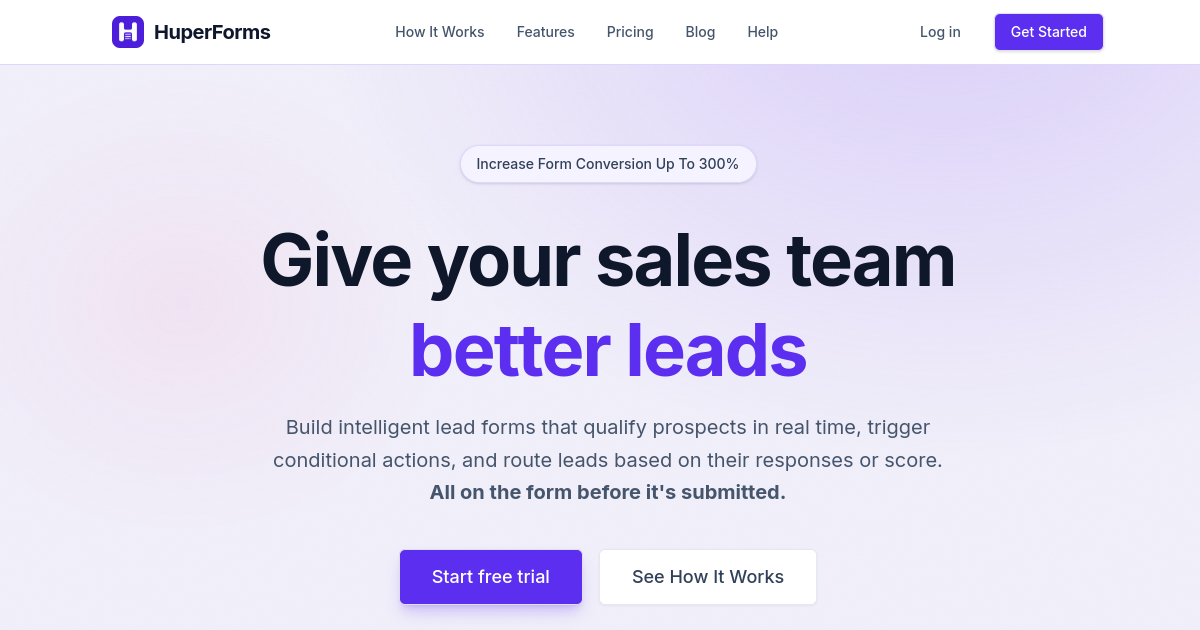
HuperForms is not a generic form builder that happens to integrate with HubSpot. It is a qualification layer that sits on top of your HubSpot account, replacing HubSpot Forms with a tool built around exactly the use case HubSpot Forms cannot handle: scoring leads at the point of submission, routing them to different outcomes based on that score, capturing data from respondents who never hit submit, and blocking junk before it pollutes your CRM.
The scoring engine is the part that sets it apart. Most form builders score leads after submission, once a workflow in the CRM has processed the new contact's properties. HuperForms scores each answer in real time as the prospect types. By the time they hit submit, the score is already calculated and the routing outcome is already determined. A prospect who scores above your threshold sees a calendar link immediately. A prospect who scores below it sees a redirect to a self-serve resource. This happens without any rep involvement and without any delay.
The partial fill capture feature deserves its own paragraph. Between 40% and 60% of people who start a B2B form never complete it. With HubSpot Forms, those people leave no trace. With HuperForms, every answer they typed is saved the moment they move to the next field, even if the form is never submitted. Those partial fills appear in a dedicated dashboard with timestamps, completion percentage, and the respondent's email if they entered it. For teams with an average contract value above $10,000, recovering even two or three enterprise-tier partial fills per month more than justifies the cost of the tool.
Because HuperForms installs directly through the HubSpot Marketplace, setup takes about five minutes. Your existing HubSpot forms, workflows, and CRM structure stay exactly as they are. You are not migrating to a new platform. You are upgrading the form component of the platform you are already on.
- Real-time lead scoring: Each answer adds or subtracts points; the total is calculated before the submission reaches your CRM
- Score-based routing: Show a calendar link, a resource, or a decline message based on score thresholds you define
- Partial fill capture: Saves every answer as it is typed, even when the form is abandoned
- Junk lead blocking: Submissions below your minimum score never create a contact in HubSpot
- Multi-step conditional logic: Show or hide entire sections and steps based on combinations of previous answers
- HubSpot Marketplace install: Installs in minutes, syncs to your existing HubSpot setup with no migration
- Abandoned submission sync to HubSpot: Optional setting to push partial fills to HubSpot as contacts for follow-up sequences
Best for: B2B SaaS, professional services, and consulting teams already using HubSpot who want to stop wasting sales time on unqualified leads.
What it does not do: HuperForms is specifically built for HubSpot. If you are not using HubSpot as your CRM, you need a different tool.
Pricing: From $15/month. 7-day free trial, no credit card required.
2. Typeform — Best HubSpot form alternative for completion rate
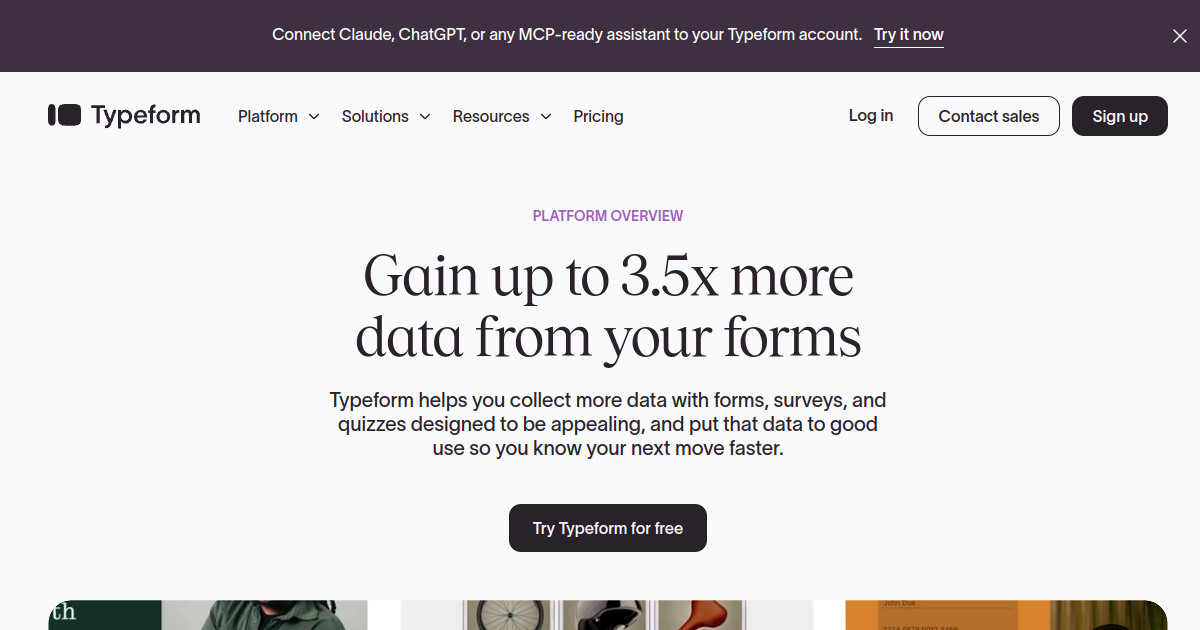
Typeform makes forms feel less like a form and more like a conversation. It presents one question at a time, full screen, with the previous answer visible at the top. The psychological effect is significant: once someone answers the first question, the commitment to answer the second is much lower. This is why Typeform consistently reports three to four times higher completion rates than equivalent static multi-field forms.
For teams whose primary frustration with HubSpot Forms is abandonment rather than lead quality, Typeform is the most direct fix. If your demo request form has eight fields and 70% of people leave before submitting, switching to a conversational Typeform flow will almost certainly improve that number. The one-at-a-time format removes the visual overwhelm that drives form abandonment on long forms.
Typeform's Logic Jumps allow branching based on answers, so a prospect who selects "fewer than 20 employees" can follow a shorter path than a prospect who selects "500 or more." The branching is configured visually in the builder without requiring technical knowledge.
Where Typeform falls short for qualification teams is scoring and blocking. There is no native lead scoring engine. If you want to score leads based on their answers and route them differently, you need to build a post-submission workflow in HubSpot, Zapier, or Make. There is also no partial fill capture: if a respondent leaves mid-form, you lose everything they entered. And every submission creates a HubSpot contact regardless of fit. Teams that need qualification automation alongside conversational UX typically end up pairing Typeform with a separate scoring tool, which adds complexity and ongoing maintenance.
- Conversational one-at-a-time layout: Consistently achieves 3 to 4x higher completion rates than static forms
- Logic Jumps: Route respondents to different question paths based on their answers
- Outcome screens: Show different final screens based on how someone answered
- Video questions: Record and embed a short video as the question prompt
- HubSpot native integration: Syncs submissions to HubSpot contacts automatically
- 500+ integrations: Connects to Salesforce, Slack, Google Sheets, Mailchimp, and most major platforms
Best for: Teams whose primary problem is form abandonment rather than lead quality, or teams for whom brand experience and visual polish are important.
What it does not do: No native lead scoring, no partial fill capture, no junk lead blocking.
Pricing: Basic plan $39/month (100 responses). Plus $79/month (1,000 responses). Business $129/month (10,000 responses). Free plan available with very limited responses.
3. Jotform — Best HubSpot form alternative for versatility
With over 35 million users, Jotform is one of the most widely used form builders in the world. It earned that scale by being genuinely versatile: the same platform handles lead generation forms, event registrations, file upload forms, e-signatures, order forms, approval workflows, and payment collection. If your team needs a single form tool for many different use cases across different departments, Jotform is a reasonable answer to that question.
For replacing HubSpot Forms specifically, Jotform offers substantially more conditional logic depth. You can show or hide fields, require or unrequire them, calculate values, and jump to different pages based on answers, all within the same form. Its approval workflow feature adds a human review step between submission and CRM entry — useful for teams that do not want fully automated routing and prefer a person to make the final call before a lead moves forward.
The gap between Jotform and qualification-first tools shows in two places. First, there is no native lead scoring engine. You can use calculation fields to approximate a score, but routing based on that score requires either a Zapier integration or post-submission CRM workflow. Second, partial fill data is not captured — abandonment before submission loses all data. For teams with high inbound volume where the primary goal is qualification rather than versatility, Jotform requires more workarounds than it comes with out of the box.
That said, Jotform's template library — over 10,000 templates across virtually every industry and use case — means most teams can launch something useful in minutes rather than starting from scratch. The free plan is among the most generous available for a commercial form builder.
- Conditional logic: Show, hide, require, calculate, or redirect based on answers
- Approval workflows: Route submissions through a manual review step before CRM entry
- Calculation fields: Build pricing estimators, point-totals, or quota checks directly in the form
- HubSpot integration: Syncs to contacts, deals, or custom objects
- 10,000+ templates: One of the largest template libraries available
- HIPAA and SOC 2 compliant plans: Available on higher-tier plans for regulated industries
Best for: Operations and marketing teams that need one form tool across many different use cases, not specifically qualification-first workflows.
What it does not do: No native lead scoring engine, no partial fill capture, no score-based post-submission routing.
Pricing: Free plan available (100 monthly submissions, 5 forms). Paid plans from $34/month billed annually.
4. Tally — Best free HubSpot form alternative

Tally's positioning is simple and it sticks to it: 99% of features are free, with no submission limits and no form limits, as long as you stay within fair usage guidelines. In a category where most tools either gate responses behind a paywall or put aggressive limits on free plans, Tally is genuinely unusual. For teams that want to move off HubSpot Forms but cannot justify a paid form builder, Tally is the most credible free alternative.
The builder itself has a Notion-like slash-command interface that most people find faster than a traditional drag-and-drop builder. You type a slash, select a field type, and move on. Forms can be embedded, shared as a link, or published on a custom domain. The conditional logic covers the basics: show or hide fields based on previous answers. Tally also supports multi-page forms, file uploads, ratings, rankings, and payment collection via Stripe — a feature set that most tools reserve for paid plans.
The HubSpot integration exists but it is relatively thin. Tally connects to HubSpot via Zapier rather than a native integration, which means you need a Zapier subscription to make it work reliably. There is no lead scoring, no partial fill capture, and no score-based routing. Tally is excellent for what it is — a capable, genuinely free form builder with an unusually clean interface. For teams that specifically need qualification automation on top of HubSpot, it is not the right fit.
- Truly free: Unlimited forms, unlimited responses, and most features at no cost
- Notion-style editor: Slash commands and block-based editing that most people learn in minutes
- Multi-page forms: Break long forms into pages with progress indicators
- Conditional logic: Show or hide fields based on previous answers
- Stripe payments: Collect payments within forms on the free plan
- Custom domains: Publish forms on your own domain on paid plans
Best for: Startups, individual contributors, and small teams that need a capable form builder without a per-month commitment.
What it does not do: No native HubSpot integration (requires Zapier), no lead scoring, no partial fill capture.
Pricing: Free for most use cases. Pro plan $29/month. Business plan $89/month.
5. Fillout — Best HubSpot form alternative for modern UI and database integrations

Fillout launched in 2022 and gained traction quickly by doing two things well: a cleaner, more modern builder interface than most established competitors, and tight native integrations with Airtable and Notion alongside the standard HubSpot and Salesforce connections. For teams that use Airtable as their operational database or Notion as their team workspace, Fillout is probably the most natural form layer to sit on top of those systems.
The free plan is competitive: unlimited forms, unlimited seats, and 1,000 responses per month — enough for many small teams to run indefinitely without paying anything. The builder supports multi-page forms, scheduling forms (where respondents can book a time slot directly from a form), payment collection via Stripe, and PDF generation from form answers.
Conditional logic in Fillout covers the fundamentals well. You can show or hide fields and pages based on answers, and Fillout has an answer piping feature that lets you reference a previous answer in a later question — "Based on the {company size} you mentioned, how many seats do you need?" — which adds a conversational feel without requiring a full Typeform-style layout.
For HubSpot teams specifically, Fillout has a native integration that maps form fields to HubSpot contact properties and supports creating deals as well as contacts on submission. It does not have native lead scoring, partial fill capture, or junk blocking. Scoring and routing require a Zapier or HubSpot workflow layer built separately.
- Native Airtable and Notion integrations: Maps form answers directly to database records without Zapier
- Answer piping: Reference previous answers in later questions for a more conversational feel
- Scheduling forms: Embed a calendar booking step within the form
- PDF generation: Create a formatted PDF document from form answers on submission
- Unlimited seats on all plans: No per-seat charges, even on paid tiers
- HubSpot and Salesforce native integrations: Create contacts and deals without Zapier
Best for: Teams using Airtable or Notion as their primary database who want forms that write directly to those systems, or teams that want a modern interface and generous free plan.
What it does not do: No lead scoring, no partial fill capture, no junk lead blocking.
Pricing: Free (unlimited forms, 1,000 responses/month). Starter $19/month (2,000 responses). Pro $49/month. Business $89/month.
6. Paperform — Best HubSpot form alternative for design-forward brands
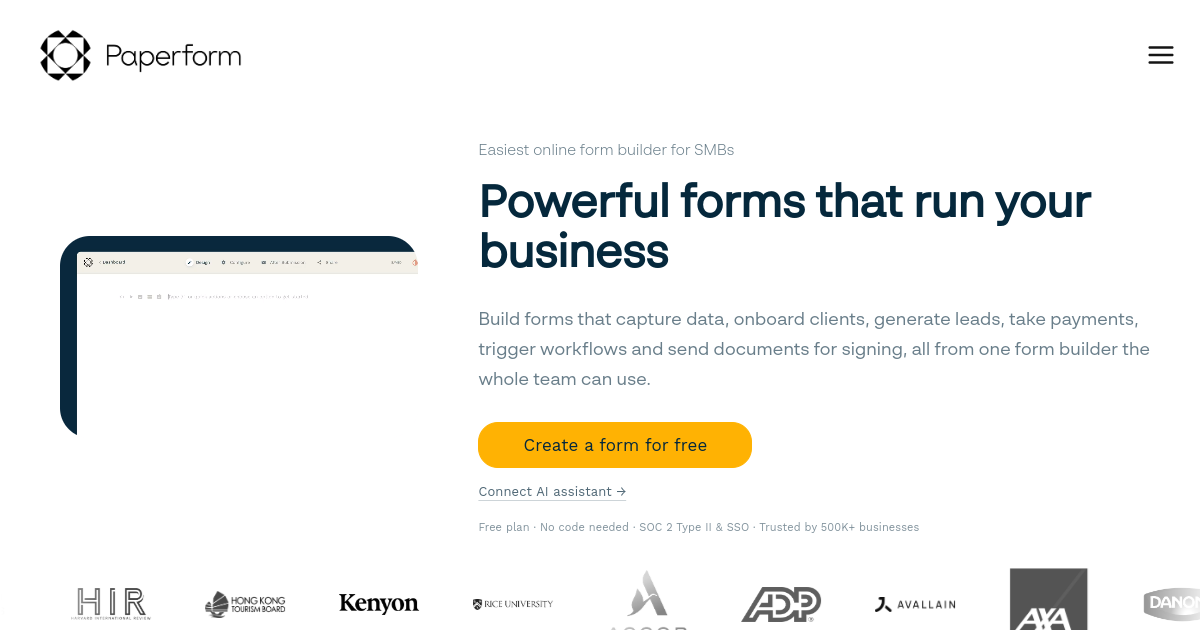
Paperform treats a form more like a landing page than a data collection tool. You can mix text, images, video, and form fields freely on the same canvas — so a form can open with a compelling headline and image before it asks the first question, include a product image between two fields, and close with a branded thank-you that looks like a dedicated page rather than a generic confirmation message. For agencies, creative studios, and consumer-facing businesses where brand presentation matters, Paperform produces forms that look more like polished marketing assets than data collection tools.
The logic engine is solid for its price point. Conditional logic can show or hide fields, change which page a respondent is sent to based on answers, and display personalised outcome messages based on what was answered. The calculation fields let you build pricing estimators and quote tools. Payment collection is built in for Stripe and PayPal.
For teams replacing HubSpot Forms, Paperform connects to HubSpot via a native integration that maps fields to contact properties. It does not have a lead scoring engine, partial fill capture, or junk blocking — the gaps are the same as most tools on this list. The thing that makes it worth including is the quality of the design output. If your forms are publicly branded, shared externally, or embedded on customer-facing pages where presentation is part of the product experience, Paperform produces a meaningfully better result than HubSpot's default form UI.
- Freeform canvas layout: Mix text, images, video, and form fields on the same page
- Customisable outcome pages: Show personalised thank-you content based on specific answers
- Conditional logic: Show fields, jump pages, and personalise messages based on answers
- Calculation fields: Build pricing estimators and quote tools
- HubSpot native integration: Syncs to contacts and deals on submission
- Stripe and PayPal payments: Collect payments within forms
Best for: Agencies, consumer-facing brands, and creative teams for whom visual form design is part of the customer experience, not just a data collection step.
What it does not do: No lead scoring, no partial fill capture, no junk blocking.
Pricing: Free trial available. Essentials plan from $24/month. Plans up to $129/month for teams.
7. Cognito Forms — Best HubSpot form alternative for calculation-heavy logic

Cognito Forms is the tool to reach for when your qualification logic involves arithmetic. If you need to multiply company size by a budget range to produce a weighted score, calculate an estimated deal value from form inputs, or build a pricing tool where the total depends on a combination of five different selections, Cognito Forms handles that more elegantly than any other tool on this list.
Its calculated fields use a spreadsheet-style expression language. You can reference any other field value in a calculation, combine conditions with logical operators, and assign the result to a field that can then drive conditional logic. For teams whose qualification criteria are complex and numeric — an estimate that only gets surfaced when the calculated score exceeds a threshold — this capability is meaningful.
Cognito Forms also supports repeating sections: input groups where the respondent can add multiple rows. This is useful for forms where the number of inputs varies — "list the tools your team currently uses" or "describe each product you need quoted." Most form builders handle repeating inputs awkwardly if at all.
The limitations are on the integration side. Cognito Forms does not have a native HubSpot integration — you need Zapier or Make to connect submissions to your CRM. And while you can use calculation fields to produce a score, there is no built-in mechanism to block low-scoring submissions from reaching HubSpot or to route different score ranges to different outcomes within the form itself. For teams that can accept this and need sophisticated calculation logic as the primary feature, Cognito Forms is excellent value — particularly because it has one of the most generous free plans available.
- Calculated fields: Build complex scoring and pricing formulas using a full expression language
- Repeating sections: Allow respondents to add a variable number of input rows
- Multi-page conditional logic: Show or hide entire pages, not just individual fields
- Payment integration: Collect payments based on calculated totals from form inputs
- Entry management: Built-in dashboard for viewing, filtering, and exporting all submissions
Best for: Teams whose qualification or pricing logic involves complex calculations — quote tools, pricing estimators, multi-variable eligibility checks.
What it does not do: No native HubSpot integration (requires Zapier), no partial fill capture, no built-in junk blocking.
Pricing: Individual plan free (100 entries/month). Paid plans start at approximately $15/month.
8. Gravity Forms — Best HubSpot form alternative for WordPress sites
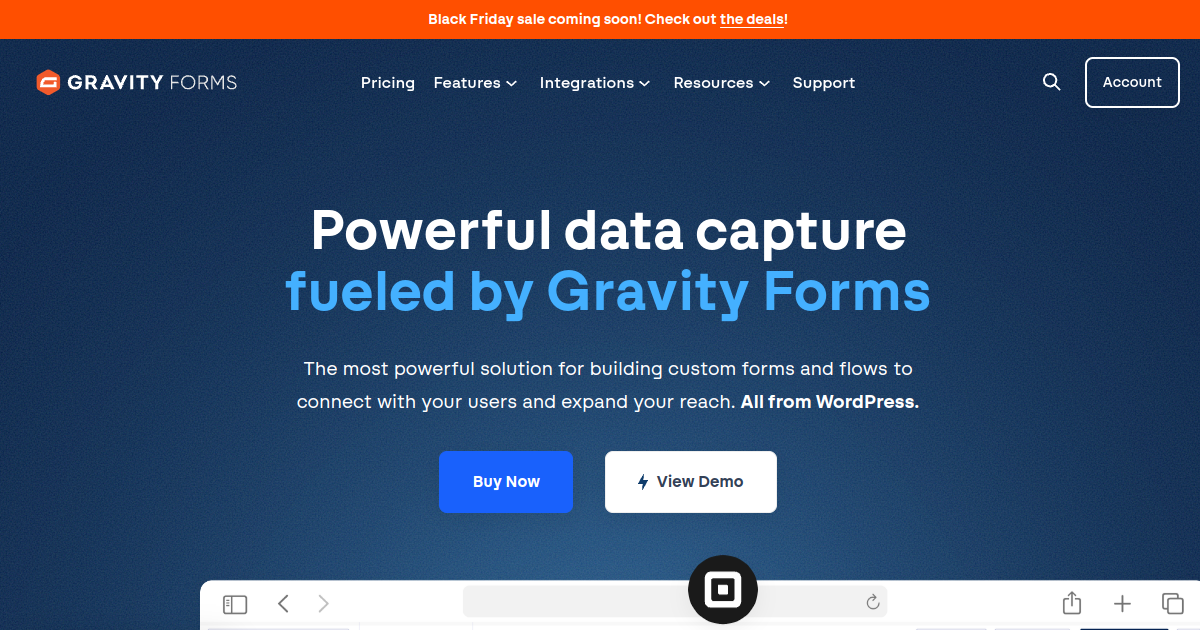
If your marketing site runs on WordPress, Gravity Forms is the standard choice for a reason. It is a WordPress plugin rather than a SaaS platform, which means your form data lives in your own database rather than in a third-party server. For teams with strong data sovereignty requirements or compliance concerns about where form submission data is stored, this is a meaningful structural advantage.
Gravity Forms has been the gold standard WordPress form builder for over a decade. Its conditional logic is well-developed: you can show or hide fields, sections, and entire pages based on previous answers, require or unrequire fields conditionally, and redirect to different confirmation pages based on field values. The add-on ecosystem is extensive — there are official Gravity Forms add-ons for Stripe, Slack, Zapier, ActiveCampaign, Salesforce, and most major platforms. The HubSpot integration exists as a third-party plugin rather than a first-party add-on, which means it requires an additional plugin and additional configuration.
The pricing model is different from every other tool on this list: Gravity Forms charges an annual per-site licence fee rather than a monthly subscription. The Basic licence is $59/year for a single site. The Pro licence is $159/year and covers up to three sites with additional add-ons including payment integrations. The Elite licence includes priority support and all available add-ons. For WordPress sites that need a serious form builder, the annual cost is among the most competitive on this list.
For teams not on WordPress, Gravity Forms is not relevant — it is a WordPress plugin and only works as one. For teams on WordPress who are frustrated with HubSpot Forms' limitations, it is a capable, well-supported, and price-efficient option.
- WordPress-native: Data stored in your own WordPress database, no third-party server
- Mature conditional logic: Field-level, section-level, and page-level show/hide logic
- Extensive add-on ecosystem: Official add-ons for Stripe, Slack, Zapier, and more
- Multi-page forms: Break long forms into pages with progress indicators
- Annual per-site pricing: Licence model rather than monthly subscription
- Calculation fields: Basic arithmetic for pricing and scoring within forms
Best for: Marketing teams running WordPress sites who want a mature, well-supported form builder with data stored in their own infrastructure.
What it does not do: WordPress only, no native HubSpot integration (requires third-party plugin), no lead scoring, no partial fill capture.
Pricing: Basic $59/year (1 site). Pro $159/year (3 sites). Elite plan includes all add-ons and unlimited sites.
9. Google Forms — Best free HubSpot form alternative for internal use

Google Forms is completely free, requires no account beyond a Google Workspace or Gmail login, has no response limits, and most people already know how to use it. For internal surveys, employee feedback, event registrations, and simple data collection where brand presentation is irrelevant and CRM integration is not required, Google Forms is the path of least resistance.
As a HubSpot Forms replacement for external B2B lead capture, it is not a realistic option. It has no HubSpot integration, no conditional logic beyond basic question skipping, no design customisation beyond colour choices and a logo, and no partial fill capture or scoring capabilities. Response data goes to Google Sheets, not a CRM.
The reason it is on this list is that teams genuinely ask whether Google Forms is an appropriate alternative when HubSpot Forms is frustrating them. The honest answer is: for B2B lead capture, no. For internal use cases where all you need is to collect answers from people who already work with you, yes — it is the simplest and most cost-effective option available.
- Completely free: No submission limits, no response limits, no plan tiers
- Google Workspace integration: Responses feed automatically into Google Sheets
- Section-based skipping: Route respondents to different form sections based on a single answer
- Widely understood: Almost everyone who uses Google products can fill in a Google Form without any friction
- Collaboration: Multiple team members can edit the same form simultaneously
Best for: Internal surveys, team feedback collection, simple event registrations, and any situation where zero cost and zero setup time matter more than CRM integration or design quality.
What it does not do: No HubSpot integration, no conditional logic beyond basic skipping, no design customisation, no lead scoring, no partial fill capture.
Pricing: Free.
How to choose the right HubSpot form alternative
The right tool depends on which specific limitation of HubSpot Forms is actually costing you the most. Here is a straightforward decision framework:
If your problem is lead quality — too many unqualified submissions reaching your reps, junk contacts polluting your CRM, no way to route qualified leads to a calendar without manual rep review — the answer is HuperForms. It is the only tool on this list with a native scoring engine that fires before a contact is created in HubSpot, blocking junk at the source.
If your problem is form abandonment — a lot of people starting your forms and leaving before submitting — the answer is Typeform. The conversational one-at-a-time layout is the most proven structural fix for high abandonment rates on longer forms.
If your problem is versatility — you need one form tool for lead capture, event registrations, internal surveys, approval workflows, and payment collection — the answer is Jotform. Its breadth is unmatched at its price point.
If your problem is budget — you cannot justify a monthly subscription for a form builder — the answer is Tally for an external form with a clean interface, or Google Forms for purely internal use.
If your site runs on WordPress — the answer is Gravity Forms. The WordPress ecosystem is where it belongs, and the annual licence cost is among the lowest on this list.
If brand design matters significantly — your forms are embedded on customer-facing pages where visual quality is part of the brand experience — the answer is Paperform. Its output looks meaningfully different from everything else on this list.
Why teams switch away from HubSpot Forms
A consistent pattern emerges among teams that move off HubSpot Forms. Most of them did not switch because HubSpot Forms broke something. They switched because they outgrew what it was designed to do.
HubSpot Forms was designed for lead collection at scale. It collects contact information, creates records in HubSpot, and triggers workflows. It does all of that reliably and for free. The teams that move off it are the ones who realise that collecting leads and qualifying leads are two different problems, and that a tool built to solve the first problem does not automatically solve the second.
For a team generating 10 form submissions a week, manually reviewing every one is manageable. For a team generating 10 per day, it is an operational bottleneck. For a team generating 50 per day, it is a structural problem that no amount of manual effort can fix — you need the qualification decision to be made by the form, not by a rep reading submissions after the fact.
That is the gap these nine alternatives exist to fill. The right one depends on which version of the gap you are actually dealing with.
Frequently asked questions
What are the main limitations of HubSpot Forms?
HubSpot Forms has five main limitations for qualification-focused teams. First, it has no real-time lead scoring — you cannot assign point values to specific answers and have the form use that score to determine the routing outcome. Second, its conditional logic is basic — you can show or hide a single field based on a single previous answer, but multi-step branching and combined conditions are not supported. Third, every submission creates a HubSpot contact, including spam, bots, and unqualified leads. Fourth, there is no partial fill capture — if someone abandons your form before submitting, all data they entered is lost. Fifth, the post-submission experience is static — everyone gets the same thank-you message or redirect, regardless of whether they are a high-value prospect or a poor fit.
Is there a HubSpot form alternative with a free plan?
Yes. Several tools on this list have free plans: Jotform (100 submissions/month, 5 forms), Tally (unlimited forms and responses for most use cases), Fillout (unlimited forms, 1,000 responses/month), Cognito Forms (100 entries/month), and Google Forms (unlimited, no restrictions). Of these, Tally is the most capable free option for external B2B forms. Google Forms is the simplest for internal use. None of the free plans include lead scoring, partial fill capture, or junk blocking — those capabilities require HuperForms.
Which HubSpot form alternative is best for B2B lead generation?
For B2B lead generation where the goal is qualified leads reaching your sales team rather than maximum raw submission volume, HuperForms is the strongest option. It is the only tool on this list that scores leads at the point of form submission, routes them to different outcomes based on that score, captures data from partial fills, and blocks low-scoring submissions from entering HubSpot entirely. It installs through the HubSpot Marketplace and works alongside your existing HubSpot setup without any migration. For teams whose primary need is a better-looking form or higher completion rates rather than qualification automation, Typeform is the strongest alternative.
Can I use a different form builder with HubSpot?
Yes. Most tools on this list connect to HubSpot either through a native integration or via Zapier. HuperForms installs directly inside HubSpot through the Marketplace. Typeform, Jotform, Fillout, and Paperform all have native HubSpot integrations that create or update contacts on submission. Tally connects via Zapier. Gravity Forms uses a third-party HubSpot plugin. Cognito Forms connects via Zapier. Google Forms has no HubSpot integration.
Does switching form builders affect my existing HubSpot data?
Switching the form builder your team uses to capture new leads does not affect existing HubSpot contacts, deals, workflows, or reports. Your historical data stays exactly as it is. The only thing that changes is how new submissions are processed going forward. With HuperForms specifically, the setup is non-destructive — it installs alongside your existing HubSpot setup and you can migrate individual forms one at a time.
What is the best free alternative to HubSpot Forms?
Tally is the best free alternative for external-facing forms — it offers unlimited forms and responses at no cost, supports conditional logic, and produces clean, professional-looking forms without any branding restrictions on the free plan. Fillout is a close second with a more modern interface and a generous free tier. Google Forms is the best free option for purely internal use cases where CRM integration and brand design are not requirements. None of these free alternatives replicate HubSpot Forms' native CRM sync without at minimum a Zapier integration, and none include lead scoring or partial fill capture.
How much does a HubSpot form alternative cost?
Pricing varies significantly across this list. Free options include Tally, Fillout (up to 1,000 responses/month), Cognito Forms (up to 100 entries/month), and Google Forms. Entry-level paid plans start at $15/month for HuperForms and Cognito Forms, $19/month for Fillout, $24/month for Paperform, $29/month for Tally Pro, $34/month for Jotform, and $39/month for Typeform. Gravity Forms charges $59/year rather than per month. The total cost of ownership also includes any Zapier subscriptions required for tools without native HubSpot integrations.
Is HuperForms only for teams using HubSpot?
Yes. HuperForms is purpose-built for HubSpot and installs through the HubSpot Marketplace. If your CRM is Salesforce, Pipedrive, or any other platform, HuperForms is not the right fit. For non-HubSpot teams that need qualification-focused forms, the closest alternatives are Jotform with a manual scoring workflow, or Typeform paired with a scoring layer in Zapier or Make.